Yurka
Yurka
Remove vocals from any song — right on your iPhone
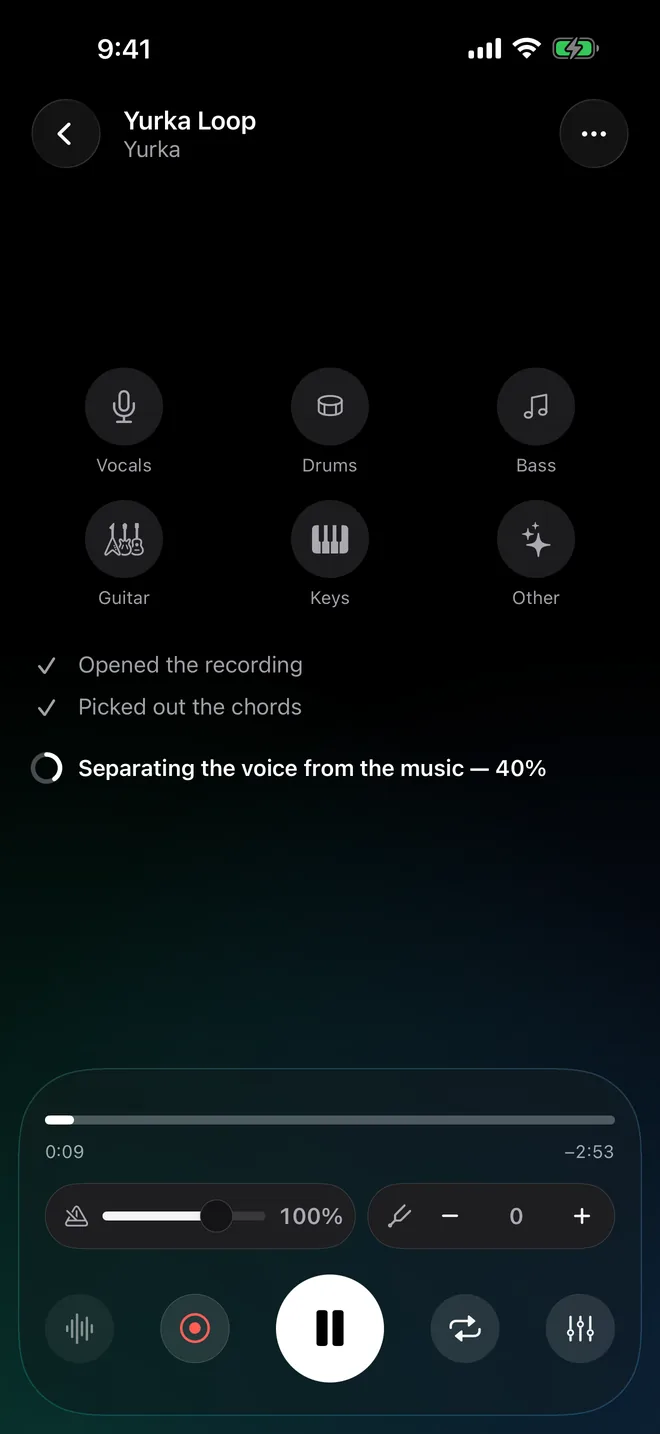
Yurka splits a song into six separate tracks right on your iPhone, usually in under a minute.

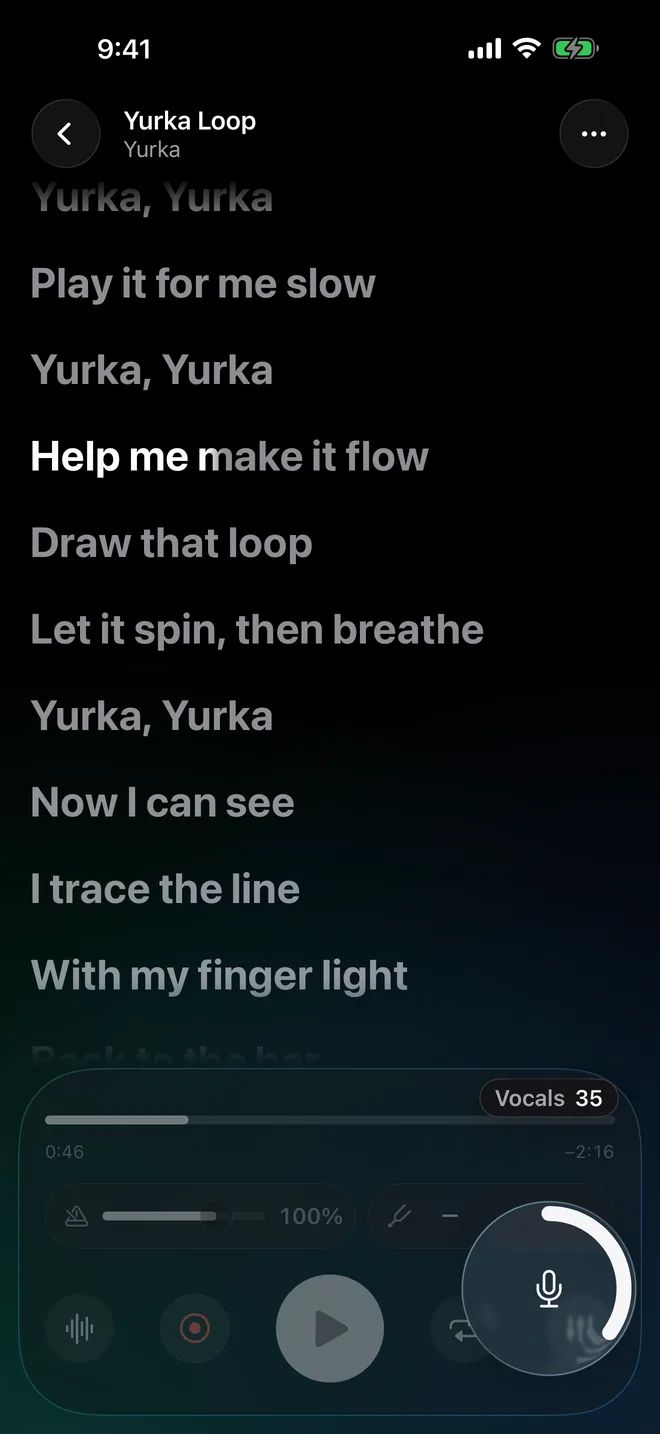
Then scroll and hear the voice drop out of the song.
Six tracks out.
Voice, drums, bass, guitar, keys, and everything else, separated by your own iPhone. Your audio never leaves the phone.
Mute the voice. Keep the band.
Turn the singer off and take the lead, or drop the guitar and play that part yourself. Try it: tap any track.
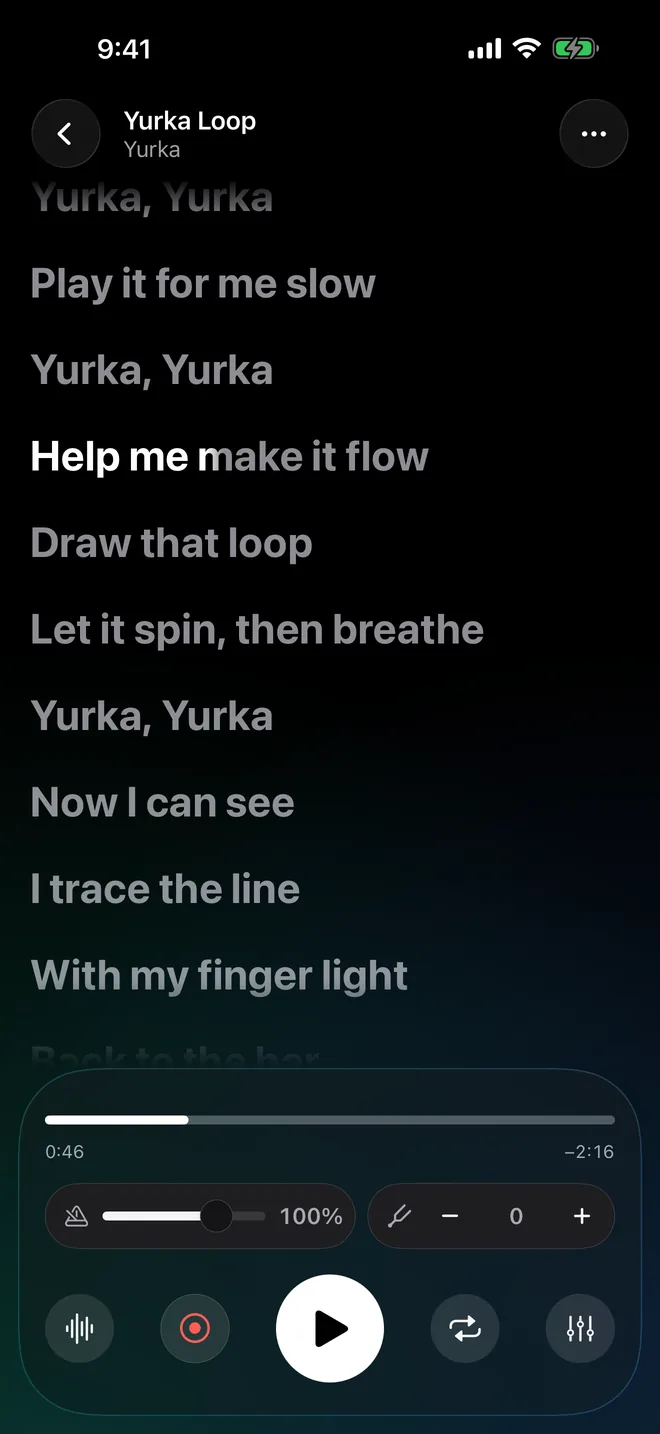
The words follow the music.
When the words can be found, they move with the song — one at a time, right where they’re sung.
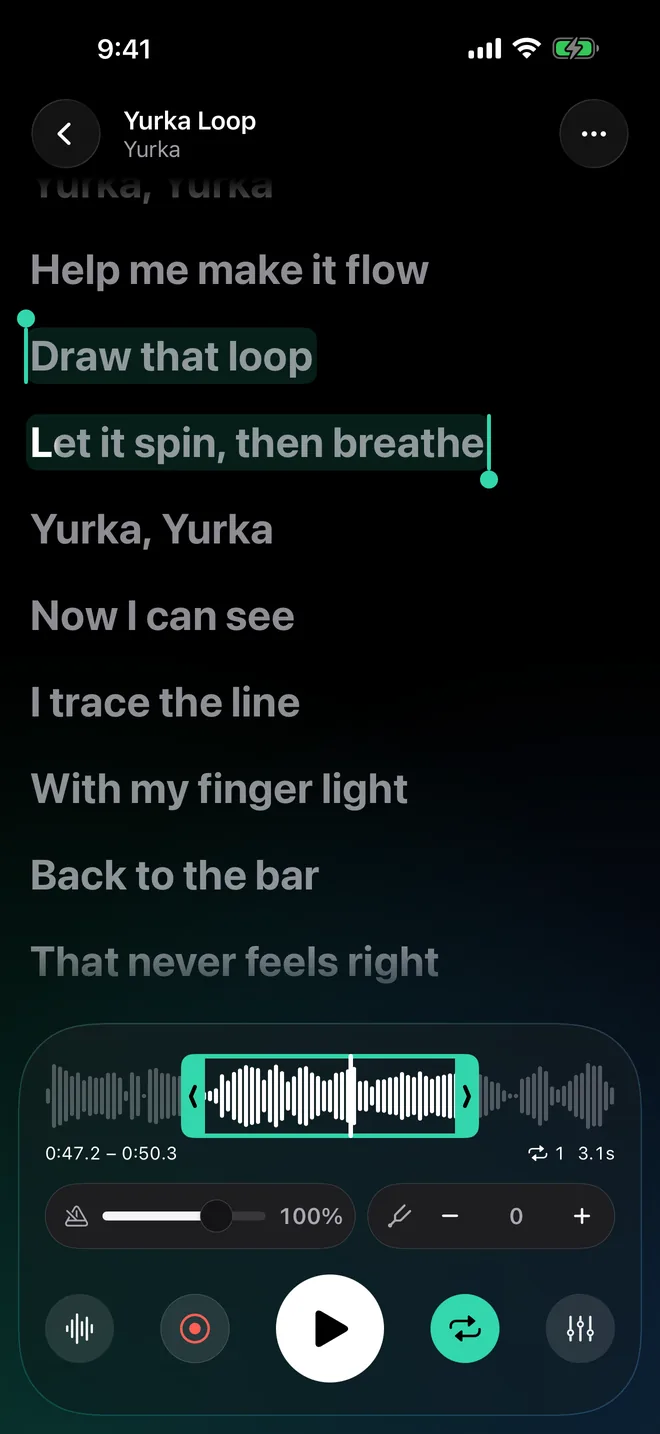
Loop the hard part.
Hold and drag across the two bars that keep tripping you up. They repeat until they don’t.
Slower. Lower. Yours.
Change the tempo without the chipmunk effect, and the key in semitones to fit your voice.
All of it on your iPhone.
No account, no upload, no queue. Everything except the lyrics lookup works in airplane mode.